High-FPS performance
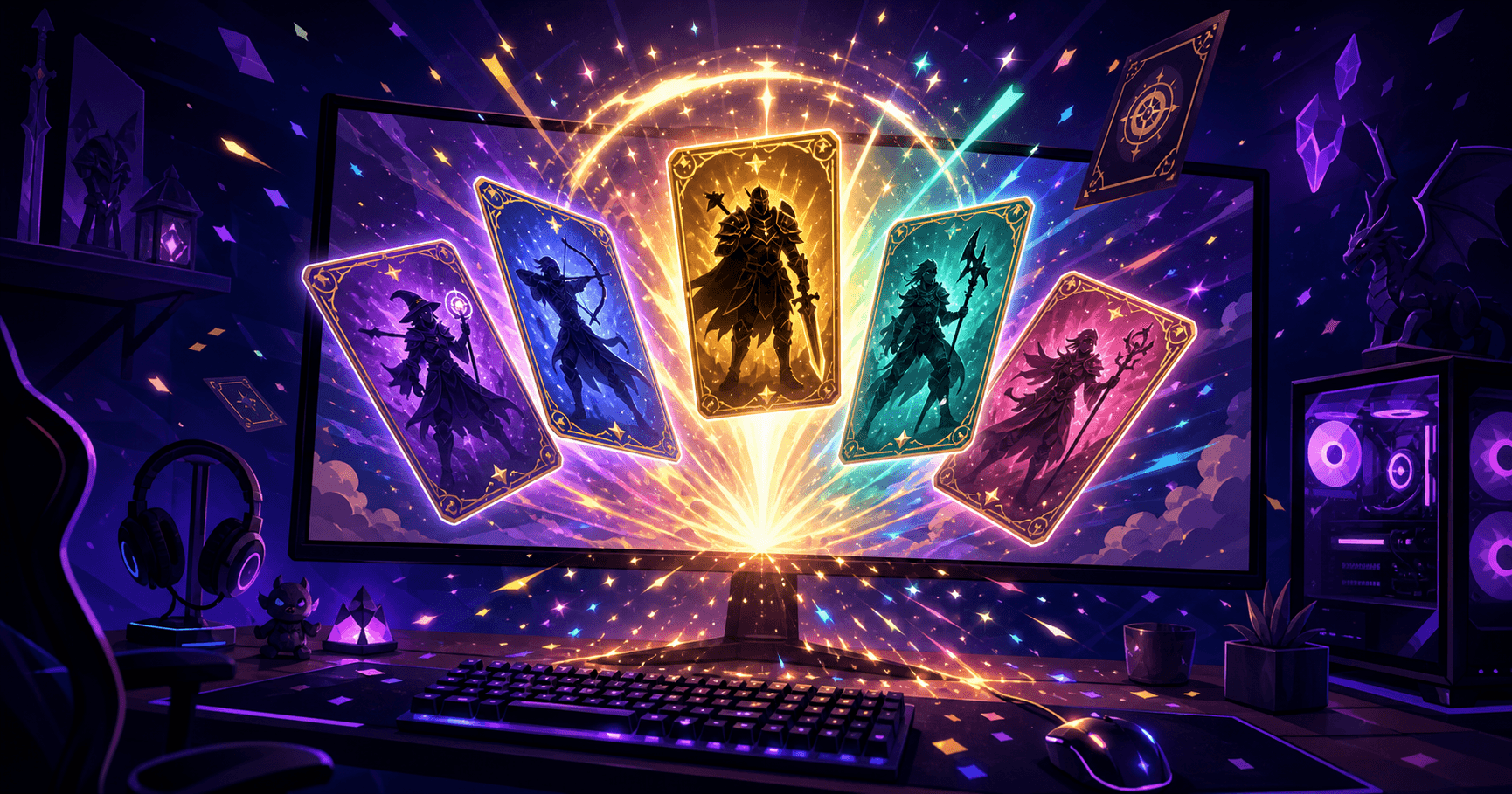
Hardware-accelerated rendering on your GPU. Smooth, high frame-rate gameplay — even in demanding 3D titles.
NovaPlay runs Android games on a big screen with keyboard and mouse, high frame rates, and a clean, ad-light experience. Free, lightweight, and ready in minutes.
Windows 10 / 11 (64-bit)Free download~15 MB
 NovaPlay120 FPS
Why NovaPlay
Designed from the ground up for smooth mobile gaming on Windows.
Hardware-accelerated rendering on your GPU. Smooth, high frame-rate gameplay — even in demanding 3D titles.
A lean engine that boots fast and sips RAM, so it runs well on modest laptops, not just high-end rigs.
Automatic key mapping turns touch controls into WASD + mouse — precise aim and movement, no setup required.
Sign in to the Play Store and install the Android games you already love. Big screen, big-picture play.
No bloatware, no shady bundles. A tidy launcher that respects your machine and your attention.
Real-time FPS badge, per-device profiles, and tuned defaults that match your PC out of the box.
How it works
Grab the free Windows installer. It's light and downloads in seconds on most connections.
Run the setup, and NovaPlay tunes itself to your PC automatically — no complex configuration.
Sign in to the Play Store, install your favorite mobile games, and jump in with keyboard and mouse.
Guides
Tips, comparisons and how-tos to get the most out of every game.
FAQ
Yes. NovaPlay is completely free to download and use. The website is supported by ads so we can keep the app free.
NovaPlay ships as a standard Windows installer with no bundled adware or toolbars. Always download it from this official site to be sure you get the genuine, unmodified version.
NovaPlay runs on Windows 10 or 11 (64-bit) with hardware virtualization enabled. 8 GB of RAM is recommended, but it's tuned to run on lighter machines too.
You can install Android games from the Google Play Store and play them on your PC. NovaPlay is a general-purpose Android emulator, so most mobile titles work out of the box.
Yes. NovaPlay is designed to be lightweight. On modest hardware you can lower the resolution and graphics settings for smooth performance.
You only need a Google account if you want to install games from the Play Store — the same as on any Android device. The emulator itself does not require an account.
Download NovaPlay for free and be in-game in minutes.
Windows 10 / 11 (64-bit) · ~15 MB · v1.0